Home
Blog
Samsung Screen Repair or Replacement: What You Need To Know

29th December

Samsung Screen Repair or Replacement: What You Need To Know

Samsung Screen Repair or Replacement: What You Need To Know

Samsung smartphones are known for their brilliant, crystal-clear displays. When using the Galaxy S, Note, or foldable series, the screen is one of the most important features. Unfortunately, it's also one of the most fragile. Drops, scratches, and impact damage can leave your device with cracks, dead pixels, or pop-out buttons.


When this happens, most people ask themselves the same question: should you repair the screen or replace it entirely? The answer depends on the type of damage, the cost, and how you use your device. In this guide, we'll explain the difference between Samsung screen repair and a complete replacement, so you know which option is best for you.

Understanding the types of damage caused to the screen


Not all damage is the same, and the repair approach depends on what happened to your device.

  • Cracked glass. If the glass is cracked but the screen still displays a clear image and the touchscreen works, it is usually a repairable problem.
  • Displaying the damage. Lines on the screen, black dots, or areas that don't respond to touch often indicate that the LCD or OLED screen underneath is damaged. This usually requires a complete replacement.
  • Touchscreen malfunctions. If clicks and swipes are not responding correctly, the scanner may be damaged. Sometimes this can be repaired separately, other times replacement is necessary.
  • Inverted or dead pixels. Long-term use or hardware failure can cause images to be "burned" onto the screen, creating black or colored spots. This usually requires replacement.

What is a Samsung screen repair?


A repair is carried out when the damage is limited to the top glass. In this case, the technician removes the broken glass and replaces it with a new one, while preserving the original screen and touch functionality.

Advantages of Repair

  • More affordable than a complete replacement
  • Faster turnaround time
  • Retains the original Samsung display panel

Limits of repair

  • Works only if the display and scanner are not damaged.
  • Some newer models have screens glued so tightly that repairs to the glass alone are very difficult.
  • If not done correctly, it can further damage the screen underneath.

What is a Samsung screen replacement?


Replacement is a more comprehensive solution. Instead of just fixing the outer glass, the entire screen is replaced. This includes the glass, the scanner, and the display panel.

Advantages of replacement

  • Restores your device to like-new condition
  • Fixes multiple issues at once, including contact problems and screen damage
  • Works for all types of screen damage, regardless of severity

Limits of repair

  • More expensive than repair
  • May take slightly longer than a simple glass replacement
  • Requires quality parts and professional installation to avoid future problems

Cost comparison: Repair and Replacement


One of the most important factors in your decision is cost. Generally, repairing the glass alone is less expensive, while replacement is more expensive because it involves the entire display assembly.

  • Glass repair is generally the best option if the damage is minor, as you can save money and keep your original screen.
  • A complete replacement is worth investing in if your screen has deeper problems such as dead pixels, burn-in areas, or unresponsive touch areas.

While DIY repair kits exist, the tools and expertise required for Samsung screens are specialized. Attempting to repair or replace a screen without proper training often results in more serious damage, which can increase the final repair cost

How to choose the option that suits you best


When choosing between repair and replacement, ask yourself the following questions:

  • Is the display still working? If so, repair may be sufficient. If not, replacement is probably necessary.
  • Do I intend to keep the phone long-term? If you're upgrading soon, repair might be a cost-effective option. If you plan to keep the phone, replacement offers more lasting results.
  • Am I concerned about resale value? A complete replacement is more attractive to buyers and trade-in programs.
  • Is my phone covered by a warranty or insurance? Sometimes, coverage will make replacement the most affordable option.

Why is professional help important?


Samsung screens are precision-engineered. Many newer models use edge-to-edge curved glass and tightly bonded AMOLED panels. This makes repairs more complex than they appear. Professional technicians have the proper tools, adhesives, and replacement parts to complete the job without risking further damage. At CPR Cell Phone Repair, we use high-quality parts and skilled technicians to ensure your Samsung device is like new and works like new. Whether your phone needs a simple glass repair or a full screen replacement, we'll guide you to the best option for your situation.

Final thoughts


The choice between repairing and replacing your Samsung screen depends on the type of damage and your budget. Repair is generally preferable for minor cracks when the screen is still functional, while replacement is the wiser choice for deeper damage or long-term reliability. Instead of guessing, stop by your local CPR Cell Phone Repair location. Our team will examine your phone, explain your options, and get your device up and running again quickly.

Related posts

From Brick to Pocket: A Journey through the Evolution of Cell Phones
Read Full Article
How to Protect Your Phone from the Summer Heat
Read Full Article
How to Protect Your PS5 HDMI Port and Avoid a Trip to the Repair Shop
Read Full Article

Have a Device that needs Repair?

Our certified technicians provide fast, reliable repairs for Smartphones, Tablets, Gaming Consoles, and more, all backed by our limited lifetime warranty for added peace of mind. Schedule your repair today.
Button
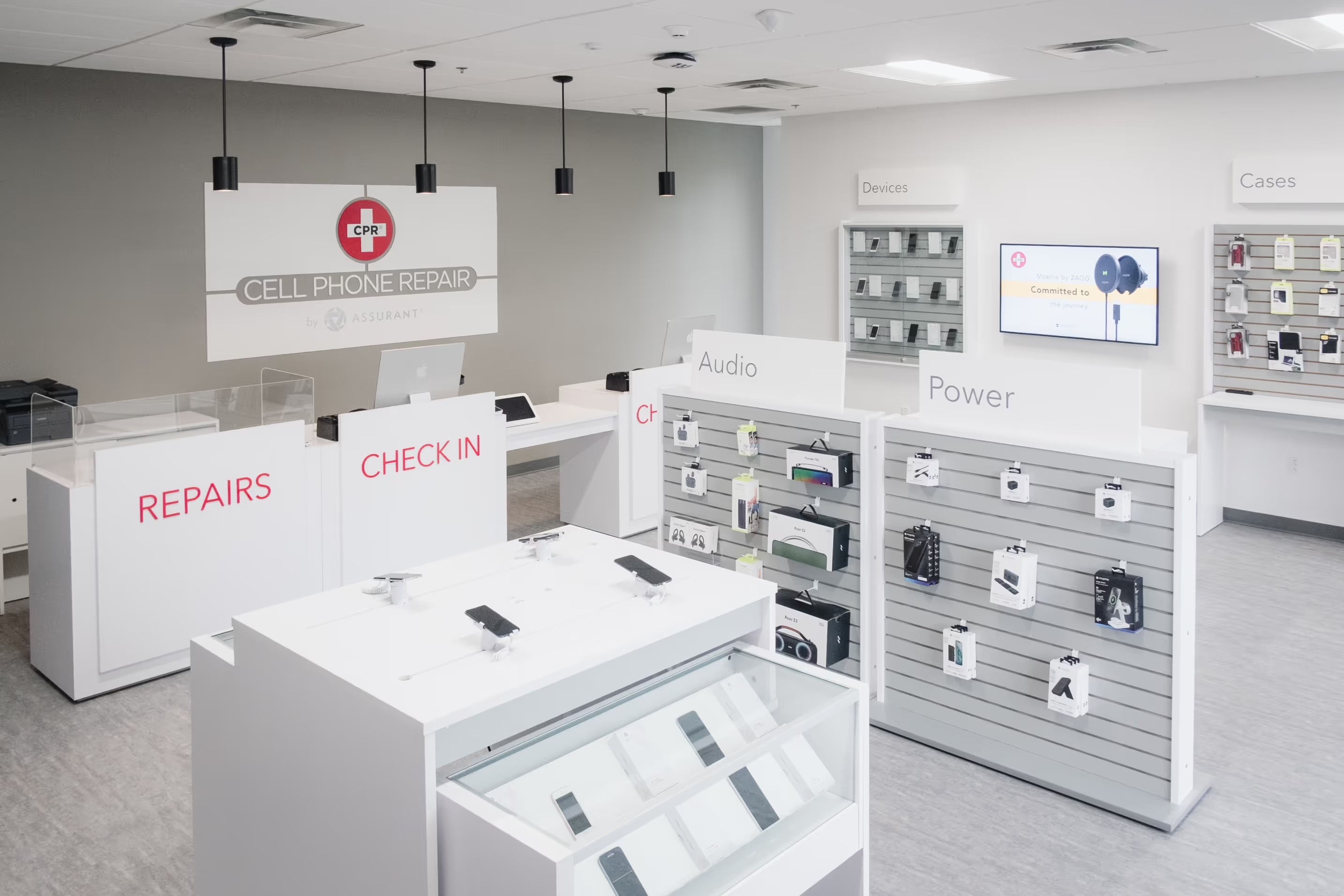
Interior of a brightly lit cell phone repair store with counters labeled Repairs and Check In, display shelves for Audio and Power accessories, and a wall-mounted TV.

Other Posts

other post image

How to Fix Common iPhone Charging Issues: Expert Q&A

Read Full Article
other post image

Do It Yourself

Read Full Article
other post image

How to Protect Your Phone from the Summer Heat

Read Full Article