Gaming Console Power Issue
Read more
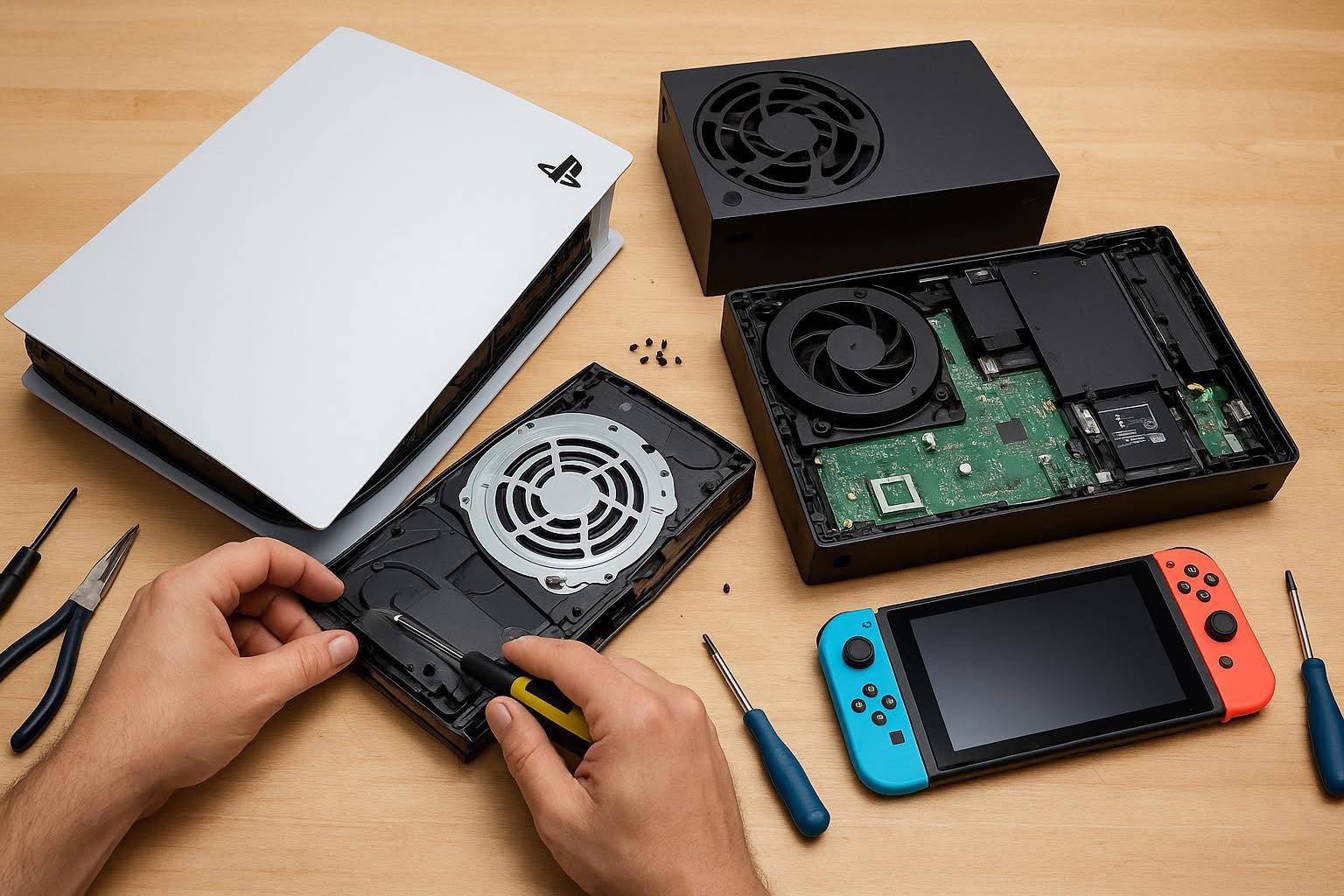
If your gaming console is not reading discs, ejecting them properly, or making unusual noises, a disc drive issue may be preventing you from playing physical games or watching movies. Disc drive problems are common and can worsen over time if not addressed.
Disc drive issues include games not loading, “disc unreadable” error messages, slow loading times, grinding or clicking sounds, failure to eject discs, or the console rejecting discs altogether. In some cases, the disc may spin but not be recognized by the system.
Disc drive failures can result from dust buildup, worn internal components, laser reader failure, mechanical wear, or physical damage from drops or impacts. Inserting scratched or damaged discs repeatedly can also strain the drive. Power surges and liquid exposure may further damage internal drive components.
Check that the disc is clean and free of scratches. Restart the console and ensure it is updated with the latest system software. If multiple discs fail to read or the drive produces abnormal sounds, the issue is likely hardware-related and requires professional repair.
Disc drive repair involves internal component replacement or realignment that should not be attempted at home. The technicians at Cell Phone Repair can diagnose disc drive issues and perform safe, reliable repairs to restore full functionality. Visit a local store or mail in your console for fast service and a free repair estimate.
Other Issues


Get It Fixed Today!
CPR Cell Phone Repair can provide holistic warranty and repair solutions for all of your business’ devices.

Buy or Sell Your Device
CPR Cell Phone Repair can provide holistic warranty and repair solutions for all of your business’ devices.